UPS Systems in Kenya: 9 Powerful Benefits Every Business Should Know
UPS systems in Kenya are essential for businesses that rely on computers, servers, CCTV cameras, routers, network switches and other electronic equipment. Unexpected power interruptions can disrupt operations, interrupt communication and potentially cause data loss or equipment problems.
Whether you operate a small office in Nairobi, a retail shop in Kisumu, a school in Nakuru or a hotel in Mombasa, having a suitable backup power solution can help protect your equipment and keep essential operations running.
At Marimbu Heritage Technologies – Innovate. Connect. Grow., we help businesses explore UPS and power protection solutions suited to their equipment and operational requirements.
1. What Are UPS Systems in Kenya?
A UPS (Uninterruptible Power Supply) is an electrical device that provides temporary backup power when the main electricity supply fails or experiences certain power disturbances.
Most UPS systems contain rechargeable batteries and electronic components that help supply power to connected equipment. Depending on the design, a UPS may also help protect against voltage fluctuations, surges and other power-quality problems.
Common UPS applications include:
- Desktop computers and workstations
- Servers and data storage equipment
- CCTV cameras and NVR systems
- Routers and network switches
- IP phones and communication equipment
- Point-of-sale systems
The correct UPS depends on the power requirements, sensitivity and importance of the equipment being protected.
2. Nine Powerful Benefits of UPS Systems for Businesses
Benefit 1: Backup power during outages
A UPS provides temporary power when electricity goes off. This gives employees time to save their work, shut down equipment properly or allow critical systems to continue operating for a limited period.
Benefit 2: Protection against power disturbances
Some UPS models help protect connected devices from voltage fluctuations, surges and electrical disturbances. The level of protection depends on the UPS technology and specifications.
Benefit 3: Reduced business interruptions
A power interruption can affect sales, communication, customer service and other daily activities. A properly selected UPS can keep essential equipment operating while alternative power arrangements are activated.
Benefit 4: Protection for computers and servers
Unexpected shutdowns can interrupt work and may cause data corruption. A UPS can provide time for users or automated systems to shut down equipment safely.
Benefit 5: Continuous CCTV operation during short outages
A suitably sized UPS can keep compatible CCTV equipment running during a power interruption. To maintain surveillance, remember to account for the cameras, PoE switches, NVR and network equipment—not just the recorder.
Benefit 6: Reliable network connectivity
Routers, switches and other networking devices support business connectivity. A UPS can provide temporary backup power to these devices, helping maintain local network operations during outages.
Benefit 7: Better support for communication systems
Businesses using IP phones and PBX equipment can connect essential communication devices to an appropriately sized UPS. This may help maintain internal and external communication, depending on the availability of the internet and telephone service.
Benefit 8: Improved operational planning
A UPS provides time to respond to an outage. Businesses can prioritise critical devices, plan controlled shutdowns and coordinate backup power arrangements.
Benefit 9: Support for business continuity
Power protection is an important part of business continuity planning. A UPS can reduce the impact of short interruptions, although it is not a replacement for a generator or other long-duration backup power source.
3. Types of UPS Systems Availabl

Different UPS technologies serve different requirements.
Standby UPS
A standby UPS normally supplies utility power to connected equipment and switches to battery power when an interruption occurs.
It is commonly considered for basic computer and small office applications.
Line-Interactive UPS
A line-interactive UPS can regulate certain voltage variations and switch to battery power when required.
It may suit office computers, networking equipment and other devices, depending on their power requirements.
Online UPS
An online UPS uses a double-conversion design to supply conditioned power to connected equipment. It is commonly considered for critical servers, data centres, sensitive equipment and important business infrastructure.
For equipment that requires high power quality, an online UPS may be worth considering.
4. Which UPS Is Suitable for Your Equipment?
Different devices have different power requirements and backup priorities.
| Equipment | UPS consideration |
|---|---|
| Desktop computers | Suitable capacity for the computer and monitor |
| CCTV systems | Include cameras, NVR, PoE switches and network equipment |
| Servers | Consider online UPS options, runtime and load requirements |
| Routers and switches | Account for the combined power consumption of network devices |
| IP phones and PBX | Include the telephone system and supporting network equipment |
| Point-of-sale systems | Prioritise the till, computer and essential peripherals |
Do not choose a UPS based only on the number of devices. Check their actual power consumption and the UPS’s rated capacity.
5. How to Choose the Right UPS System in Kenya
Before buying UPS systems in Kenya, consider these important factors:
1. Total power requirement
Calculate the combined power consumption of all devices you want to protect. Check the equipment labels or manufacturer specifications.
2. UPS capacity
UPS capacity is commonly expressed in VA or kVA, while real power capacity is expressed in watts (W). Both ratings matter. Ensure the UPS can support the actual load.
3. Required backup time
Decide how long the equipment should continue running during an outage. A few minutes may be enough for a safe shutdown, while critical operations may require longer runtime.
4. UPS technology
Choose between standby, line-interactive and online UPS technologies according to the equipment’s sensitivity and operational requirements.
5. Battery type and replacement
Check battery availability, replacement costs, expected service life and maintenance requirements.
6. Installation environment
Consider ventilation, ambient temperature, electrical connections, space and installation requirements.
7. Future expansion
If your business plans to add servers, cameras or computers, consider a UPS with suitable capacity for future requirements.
6. Popular UPS Brands to Consider in Kenya
When comparing UPS systems, consider established manufacturers such as:
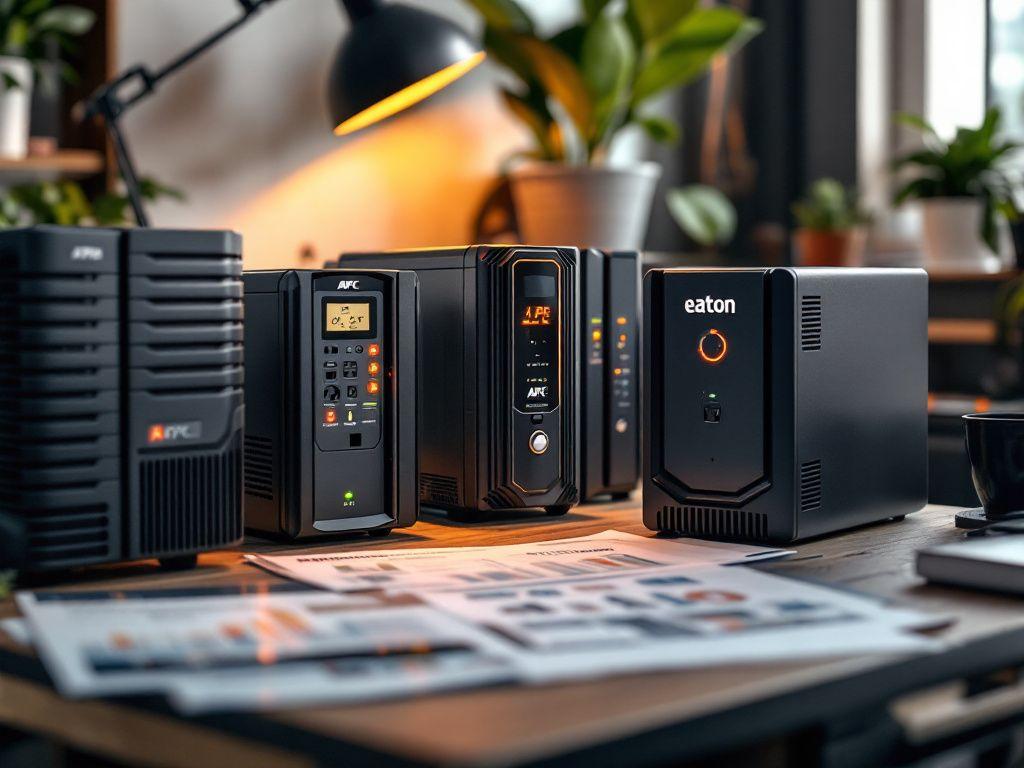
- APC: Offers UPS products for home, office, network and server applications.
- Eaton: Provides power protection solutions for business IT infrastructure and critical applications.
Examples of UPS ranges include APC Easy UPS and Smart-UPS, as well as Eaton 5SC, 9E and other business UPS families.
Always compare the exact model specifications, including watt capacity, topology, runtime, battery configuration and warranty. Products within the same brand range can have significantly different capabilities.
7. Common UPS Buying Mistakes to Avoid
Buying a UPS with insufficient capacity
A UPS that cannot support the connected load may overload or fail to provide the expected runtime.
Ignoring backup time
A UPS rated for a particular VA capacity does not automatically guarantee a specific number of backup minutes. Runtime depends on load, battery condition and model.
Connecting too many devices
Adding more equipment than the UPS can support may cause overload. Check both watt and VA limits.
Forgetting network equipment
For CCTV and internet connectivity, protecting only the main recorder or computer may not be enough. Include supporting switches, routers and other essential devices.
Ignoring battery maintenance
UPS batteries eventually require replacement. Regular inspection and maintenance help ensure that the system remains ready when needed.
8. How Long Can a UPS Run During a Power Outage?
There is no universal backup time for all UPS systems.
Runtime depends on:
- UPS capacity and battery configuration
- Total connected load
- Battery age and condition
- UPS model and operating mode
- Additional external battery packs, where supported
For example, a UPS powering one desktop computer may provide a different runtime from the same UPS powering a computer, monitor, router and printer.
If you need longer backup periods, request a runtime assessment based on your actual equipment.
9. Why Your Business Needs a Power Protection Plan
A UPS is one part of a wider power protection strategy. Businesses should identify critical equipment, decide which devices require backup and establish procedures for extended outages.
A practical plan may include:
- UPS backup for essential computers and network devices
- Separate power protection for servers and CCTV systems
- Generator or alternative backup power for longer interruptions
- Regular UPS battery checks
- Safe shutdown procedures
- Periodic testing of backup arrangements
The goal is to reduce downtime and protect essential business operations.
Frequently Asked Questions
What is the best UPS for an office in Kenya?
The best UPS depends on the number of devices, their power consumption, required backup time and budget. A line-interactive UPS may suit a basic office setup, while more critical equipment may require an online UPS.
Can a UPS run a computer during a power blackout?
Yes. A properly sized UPS can temporarily power a computer during an outage. The available runtime depends on the computer’s load and the UPS battery capacity.
Can a UPS power CCTV cameras?
Yes, if the UPS has sufficient capacity and the correct electrical connections. Remember to include the NVR, PoE switch and other essential equipment in your power calculations.
What is the difference between a UPS and a generator?
A UPS provides immediate, temporary backup power using batteries. A generator supplies power for longer periods once started and connected appropriately. Businesses may use both for better continuity.
How often should UPS batteries be replaced?
Battery life varies depending on battery chemistry, operating temperature, usage and maintenance. Follow the manufacturer’s recommendations and replace batteries when testing or monitoring indicates they are no longer performing adequately.
Where can I buy UPS systems in Kenya?
You can explore UPS solutions through Marimbu Heritage Technologies, including APC and Eaton power protection options. Contact the team with your equipment requirements for guidance and a quotation.
Get the Right UPS System for Your Business
Power interruptions should not bring your business operations to a complete stop. A suitable UPS can protect essential equipment, support safer shutdowns and reduce the impact of unexpected outages.
Marimbu Heritage Technologies – Innovate. Connect. Grow. provides technology solutions covering UPS and power protection, networking equipment, CCTV systems, computers and business communication.
Visit mheritagetech.co.ke or email sales@mheritagetech.co.ke to discuss your power protection requirements and request a quotation.